SOOC
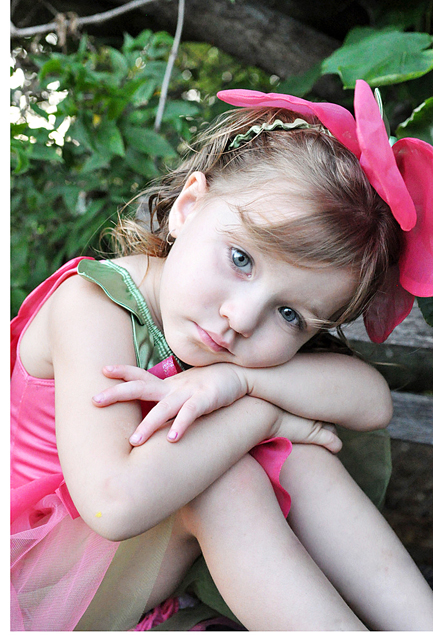
This is my first fix. The image was edited in Photoshop CS3. I started out with a Levels Adjustment followed by a Curves Adjustment, increasing the highlights and decreasing the shadows. I done this twice. Next, I used the Spot Healing brush and the Patch tool to get rid of the spots on her legs. Then, I used the Hue/Saturation Adjustment Layer to bring out the colors in the tutu. Next, I ran the Eye Doctor Action from MCP Actions specifically enhancing the catchlights, whitening the whites and sharpening the eyes. Slight crop and sharpen.
*forgot to add that I used the patch tool to reduce shadows and bags under eyes.

I always try convert an image to black and white. I gotta say I liked the Black and White conversion a whole lot more. I started from the above photo and Desaturated the layer. I then did another curves adjustment bringing down the highlights and shadows trying to create more contrast. I have to say that I also learned about curves through MCP Actions blog. In addition to selling Actions, she also offers online classes. Finally, I cropped the photo then I used unsharp mask to sharpen it again and to create a little noise. The End.
Thanks for stopping by,